
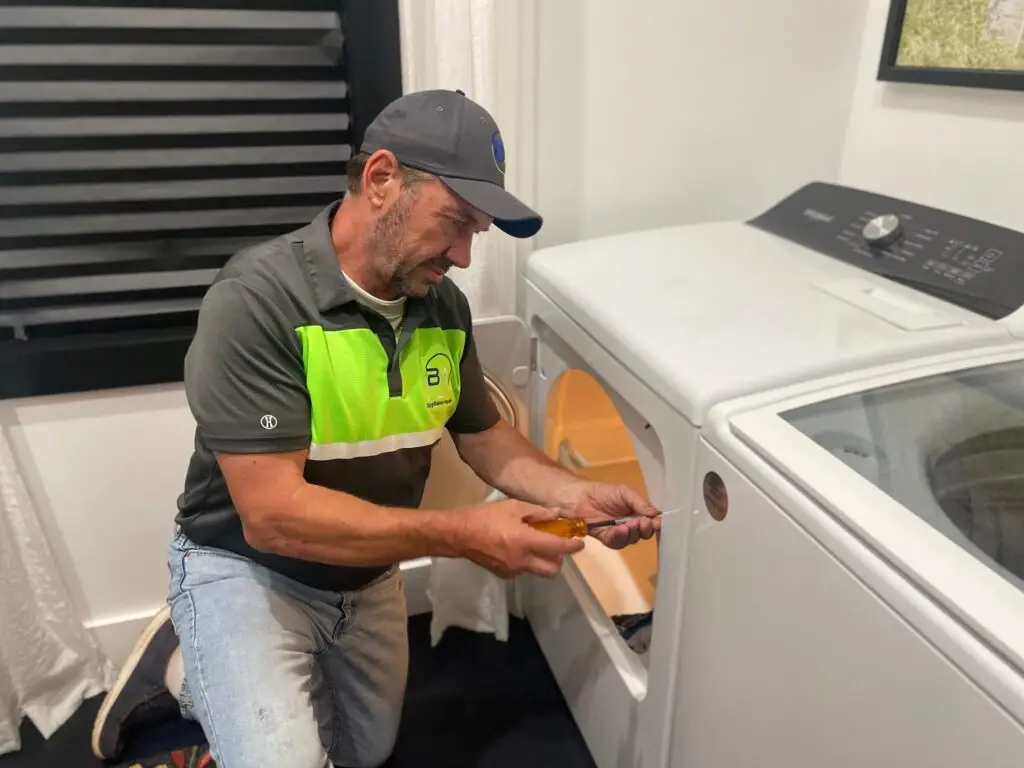
Seeing a dC code on your Samsung dryer can be frustrating, especially when you have laundry waiting. This guide covers exactly what this error means and how to fix it quickly. Most dC errors resolve without a service call, and we’ll show you each step.
Quick Fix Summary
Before diving into detail, try these steps first:
- Check if the door is fully closed and latched
- Clean the door sensor and latch area
- Redistribute any unbalanced load in the drum
- Perform a power reset by unplugging for 5 to 10 minutes
- Inspect for visible damage or obstruction
What Does the Samsung Dryer dC Code Mean?
The Samsung dryer dC code is a door circuit safety feature. When your dryer displays it, the control board does not detect a secure door closure and blocks operation to prevent injury.
Samsung officially writes this code as lowercase dC. Some older display panels show it as “DC” or flash it as blinking lights instead of a digital readout. Both mean the same thing: the door circuit is open.
Common triggers include:
- Misaligned or damaged door latch
- Dirty or faulty door sensor
- Loose wire connections at the door switch
- Electronic control board glitch
- Physical obstruction in the door seal
Related door error codes on Samsung dryers: dE, dF, do, d0, and 1DC all belong to the same door mechanism family. If you see any of these alongside or instead of dC, the troubleshooting steps below apply to all of them.
Samsung Washer DC Code vs. Dryer dC Code: Not the Same Thing
They are not the same, and the distinction matters. Both appliances use the same letters, but the causes are completely different.
On Samsung dryers, dC is a door circuit error. The dryer won’t run because the door isn’t registering as closed.
On Samsung washers, DC typically means an unbalanced load. The drum detects uneven weight distribution during the spin cycle and stops to protect the motor and drum bearings. Samsung’s support documentation notes that on some washer models dC signals a door error, while on others it flags an unbalanced load. Check your washer’s user manual to confirm which applies to your model.
If your Samsung washer is showing a DC code, open the door, redistribute clothes evenly around the drum, and restart the cycle. Washing a single bulky item like a comforter or a large bath mat is the most common trigger. If the error returns, check whether the machine is sitting level and whether the suspension rods are worn.
The rest of this guide focuses on the dryer dC code.
Detailed Troubleshooting Guide
1. Check the Door Latch System
The door latch is the first thing to check. Samsung dryers use a spring-loaded latch that clicks into a strike plate on the door frame. That click activates the door switch.
Physical inspection:
- Listen for a clear click when you close the door
- Check for visible gaps between the door and the frame
- Inspect the latch tab for cracks or wear
- Test the door several times and note whether the click is consistent
If you spot problems:
- Clean the latch and strike plate with a dry cloth
- Tighten any loose mounting screws on the latch assembly
- Open and close the door firmly five to ten times; this can reseat a slightly misaligned latch
2. Sensor System Diagnosis
Newer Samsung dryer models use a magnetic door sensor rather than a mechanical switch contact alone. The sensor sits near the door frame and reads a magnet embedded in the door.
Steps:
- Locate the sensor near the inner edge of the door frame
- Clean the contact area with a dry cloth, removing lint buildup
- Inspect the wire connections at the sensor for looseness or visible damage
- Open and close the door slowly to see if the sensor responds
If the sensor itself is faulty, the common replacement switch for Samsung dryers is part number DC64-00828B. This is the door switch assembly that fits many DV-series models. Enter your model number at a parts retailer like RepairClinic or AppliancePartsPros to confirm compatibility before ordering.
3. How to Reset a Samsung Dryer dC Code
Samsung dryers do not have a physical reset button. The reset is a power cycle. Here is the correct procedure:
- Unplug the dryer from the wall outlet completely
- Wait 5 to 10 minutes, which allows the control board’s capacitors to discharge fully
- While unplugged, press and hold the Power button for 5 seconds to drain residual charge
- Plug the dryer back in
- Close the door firmly, then start a short empty cycle to test
If the dC code clears but returns within minutes of starting a load, the issue is mechanical, not electronic. A reset will not fix a failed door switch or a broken latch.
Where is the reset button on a Samsung dryer? There isn’t one. Some sources describe a button near the bottom front panel, but Samsung dryers reset through a power cycle, not a dedicated reset button. If a guide tells you to press a reset button, it is referring to a different appliance brand.
Advanced Diagnostic Steps
For a dC code that returns after a successful power cycle, the problem is in the door switch circuit.
What to check:
- Inspect the wire harness running from the door switch to the main control board. Look for pinched, frayed, or disconnected wires.
- Test the door switch for continuity using a multimeter set to continuity mode. Disconnect power first. A functioning switch shows continuity when the door is closed and no continuity when open. No reading in either state means the switch has failed.
- Examine the control board for visible burn marks, corroded terminals, or swollen capacitors near the door circuit connections.
If you find a damaged wire harness, replacing only the harness is sometimes enough to clear the code without buying a new switch or board.
Preventive Maintenance
Regular maintenance reduces dC codes significantly.
Monthly:
- Wipe the door seal, latch, and strike plate with a dry cloth
- Check the sensor area for lint buildup
- Test the door close and listen for the click
Every six months:
- Inspect the wire harness at the door switch for wear
- Check the latch mounting screws for tightness
Loading and installation habits that prevent dC codes:
- Don’t slam the door. Repeated force misaligns the latch over time.
- Keep the drum load within capacity. Overfilling can push clothes against the door during the cycle.
- Install the dryer on a level surface. An unlevel dryer shifts over time, and the door frame can drift out of alignment.
When to Call a Professional
Call a technician if:
- The dC code returns immediately after a power cycle
- You find damaged wiring or a burnt smell near the door switch
- Multiple error codes appear at the same time
- The door latch or hinge shows visible physical damage
- You replaced the door switch and the code persists, which typically points to a wiring harness or control board issue
If your dryer keeps stopping mid-cycle in Cincinnati, BA Appliance Repair Service can diagnose and fix the root cause the same day. Our technicians handle Samsung dryer repair in Cincinnati and carry the common door switch assemblies in stock. For reliable dryer repair across Cincinnati, call or book online.
Frequently Asked Questions
Why does my Samsung dryer keep showing dC after I close the door?
If the door looks closed but the code persists, the door switch is likely failing to register closure. Try the power cycle reset first. If the code returns, the switch or its wiring harness needs testing with a multimeter.
Does Samsung have a reset button for dC codes?
Samsung dryers do not have a reset button. They reset through a power cycle. Unplug the unit for 5 to 10 minutes, press and hold the Power button for 5 seconds while it’s unplugged, then plug it back in and test with an empty cycle.
Can I run my dryer if the dC code appears?
Running the dryer with the dC code active is not safe. The code is a safety lockout. The dryer will not heat or tumble, and attempting to force it risks further damage to the control board.
My Samsung washer shows DC — is that the same issue?
Not the same cause. On most Samsung washers, DC means an unbalanced load, not a door problem. Open the washer, redistribute the clothes evenly around the drum, and restart. If the error keeps appearing, check that the machine is sitting level on all four feet.
How long do Samsung dryer door switches typically last?
Door switches on Samsung dryers typically last several years under normal use, though heavy use, door slamming, and lint buildup around the latch can shorten that lifespan considerably. If your dryer is more than five years old and the switch is the confirmed failure point, replacement is usually the right call.
Will cleaning the sensors void my warranty?
No. Cleaning the door seal and sensor area is standard maintenance. Avoid harsh chemicals and do not disassemble the switch housing if your dryer is still under warranty.
BA Appliance Repair Service: Your Trusted Solution
Our certified technicians specialize in Samsung dryer repairs and can quickly diagnose and fix your issue. We offer same-day service, use genuine Samsung parts, and provide competitive pricing with guaranteed repairs.